Link to plugin page: https://bubble.io/plugin/vk-vkontakte-login-1575893711299x256226738582585340
Demo to preview the settings
Introduction
This plugin enables VK.com authorization functionality.
Prerequisites
You must create an application on VK.com.
How to setup
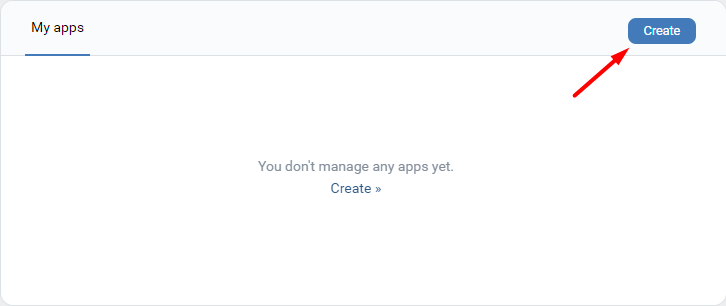
- Click on the Create button.
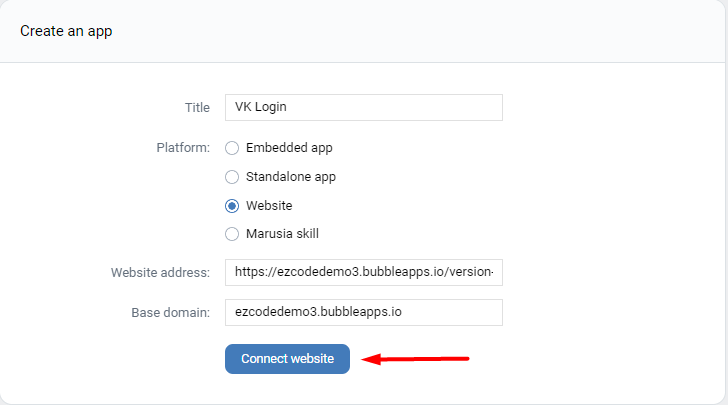
- Complete the form below and click on the Connect website button.
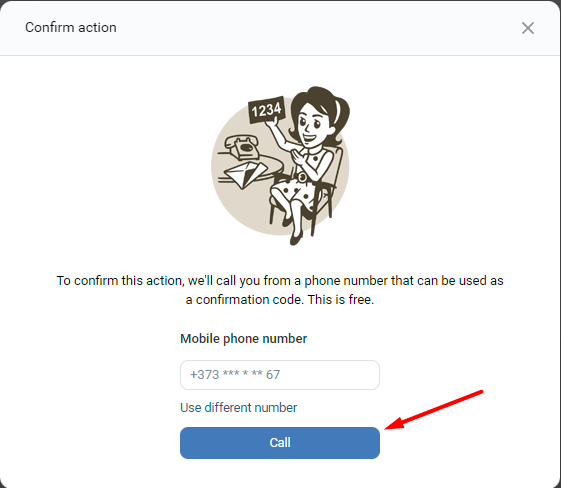
- In the opened modal, confirm the app creation by clicking on the Call button.
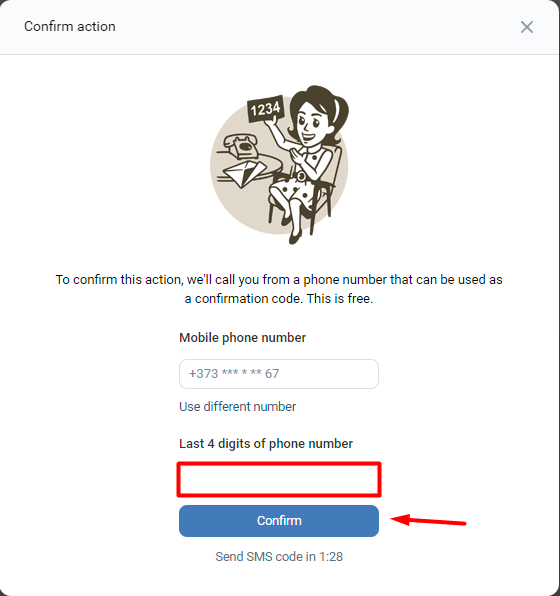
- Insert the last 4 digits of phone number and click on the Confirm button.
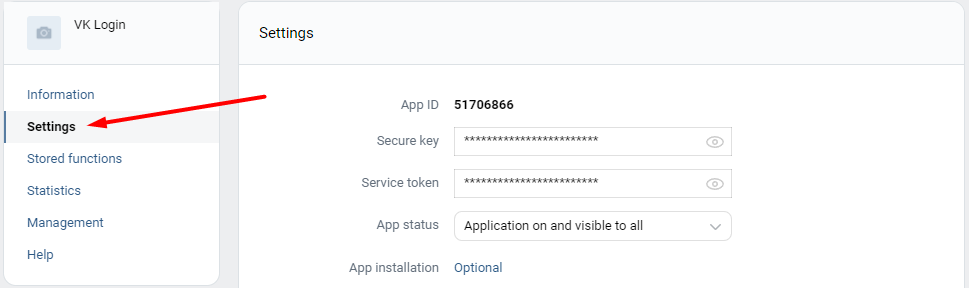
- After it, go to the Settings tab.
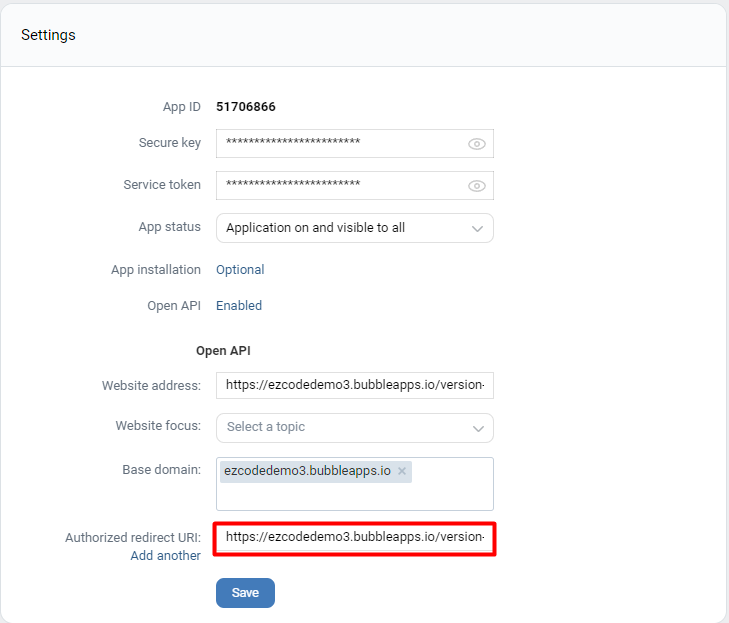
- Add your app URL in the Authorized redirect URI field and click on the Save button.
- Copy the App ID and Secure key values.
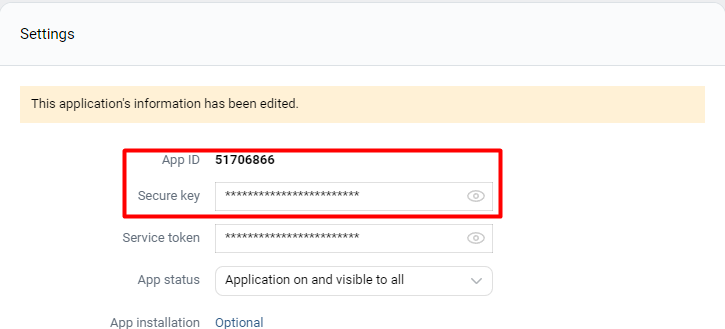
For displaying the Secure key value need to confirm the action. Please follow the 4th and the 5th steps for this.
- Paste the copied values in the plugin settings.
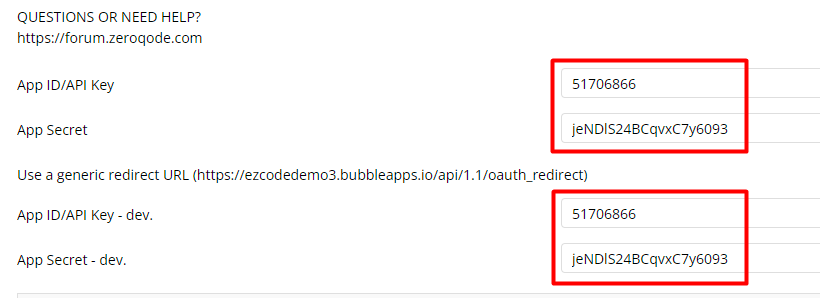
API Calls
Plugin Data Calls
Plugin Action Calls
Workflow example
How to get user information
This example presents how to authorize a user and get his public profile data.
- On the page, it is placed a Button element.
- In the workflow, when the Button is clicked then called the following actions.
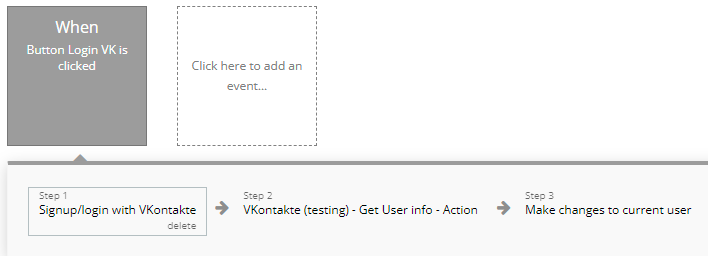
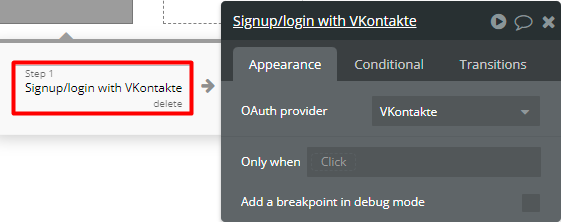
- Firstly, it is called the Signup/login with a social network action.
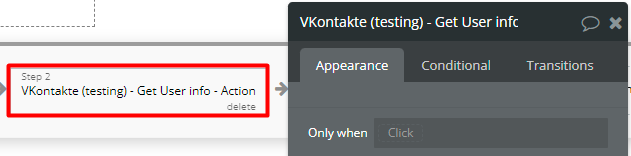
- Secondly, it is called the Get User info - Action action.
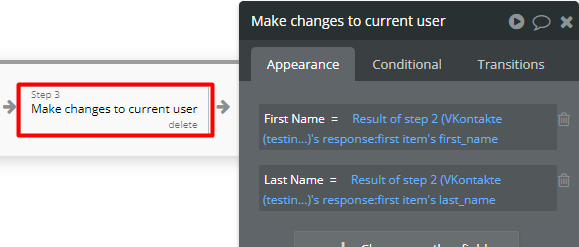
- Finally, the results are saved in the database.